
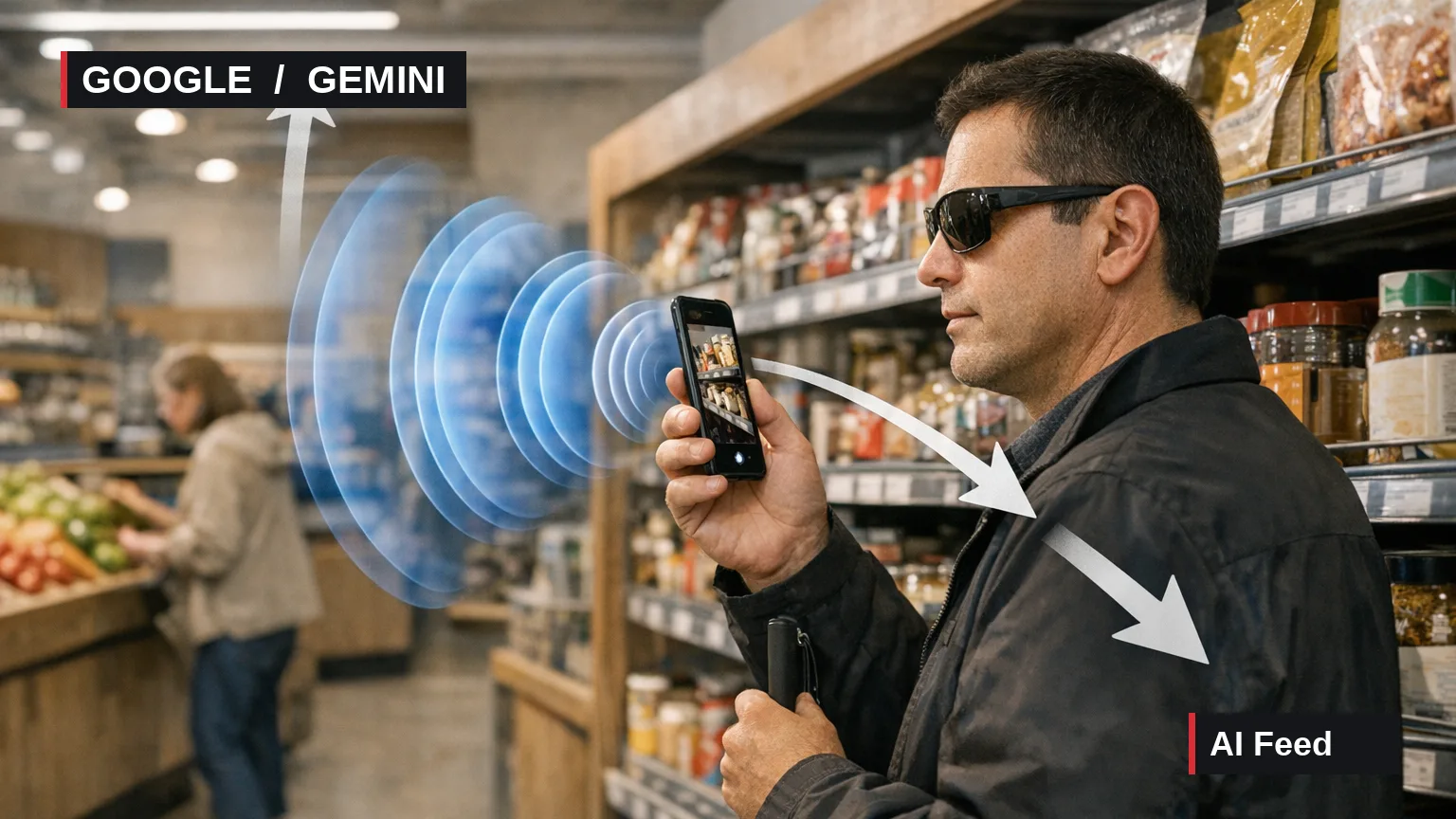
Google launched Guided Vision in Gemini Live on October 1, adding conversational visual assistance to compatible Android devices. Designed primarily for people who are blind or have low vision, the feature lets users share a camera view, hear descriptions of their surroundings and ask follow-up questions by voice.
The system also provides spoken directions for improving the camera view. Google says that if the device is pointed too high, held too close or aimed to one side, Gemini may ask the user to pan right, tilt downward or step back so it has clearer visual context before answering.
Google lists uses including reading nutrition labels, appliance controls and printed menus; locating nearby objects; identifying colors, patterns and shapes; and describing unfamiliar rooms or items arranged on a table. Guided Vision supports conversations in multiple languages, although the announcement does not provide a complete language list. Availability is limited to regions and languages where Gemini Live is supported.
The company says it developed Guided Vision with the accessibility community and Aira. Aira helped visually interpret training data for tens of thousands of hours, while more than 1,000 members of its Trusted Tester network tested and refined the model across daily routines. Aira specialists also helped Google establish and evaluate safety guardrails.
Guided Vision is available on compatible devices running Android 9 or later in supported Gemini Live regions and languages. Google advises users to install the latest Gemini app and Android system updates. The mode can be enabled in Gemini’s profile settings, launched through an Android accessibility shortcut or opened from the TalkBack menu. The announcement does not provide a complete list of compatible device models.
Practical context: Combining scene descriptions, follow-up dialogue and active camera-framing cues could reduce the need to capture an ideal view on the first attempt. Its role remains limited: Google warns that generative AI can make mistakes and says Guided Vision is not a medical device, mobility aid or white-cane replacement. It is not intended for navigation, obstacle detection or safe-travel guidance, and users should continue relying on established mobility aids and practices.
| Method | How to open it |
|---|---|
| Gemini app | Enable Use Guided Vision in Live in profile settings, open Gemini Live and share the camera |
| Android accessibility features | Configure a shortcut using the floating accessibility button, a two-finger swipe gesture or both volume keys |
| TalkBack | Open the TalkBack menu with a three-finger tap and select Guided Vision |
Sources
Event date: 2026-10-01. Primary source date: 2026-10-01.